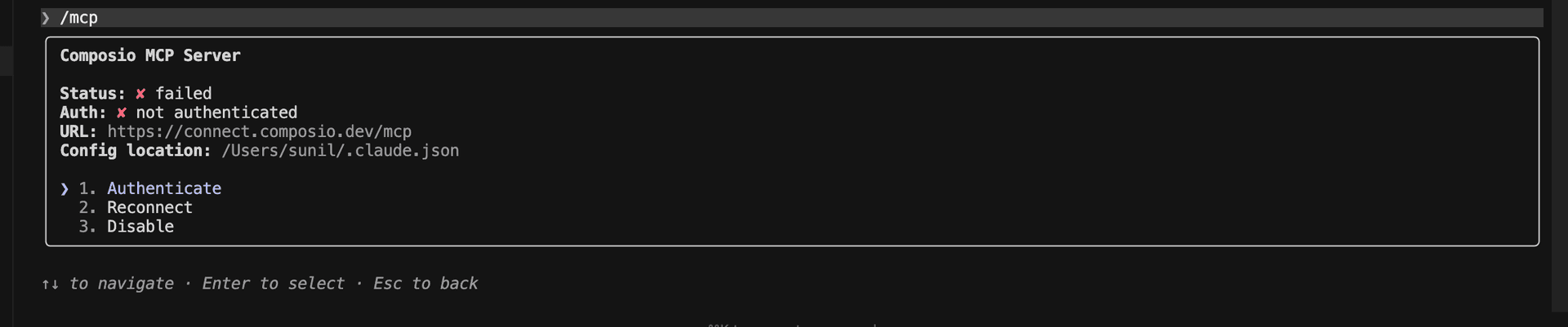
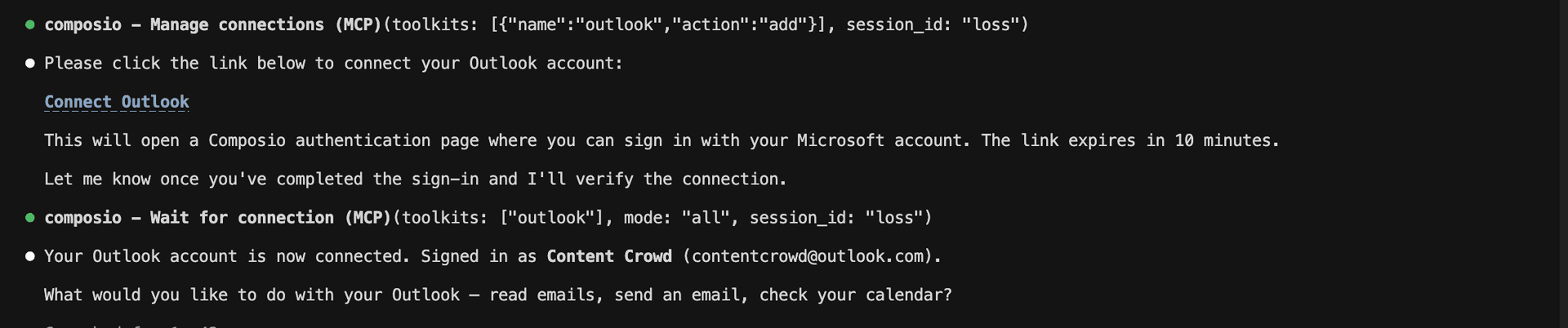
The Transloadit MCP server is an implementation of the Model Context Protocol that connects your AI agent and assistants like Claude, Cursor, etc directly to your Transloadit account. It provides structured and secure access to your file-processing workflows, so your agent can start processing jobs, monitor progress, review results, cancel active work, and retry failed jobs on your behalf.
- Start file-processing workflows: Have your agent launch a workflow from configured processing steps or an existing template, with local files included when needed.
- Monitor processing progress: Let the agent check a workflow’s latest state, uploaded files, warnings, and processing results.
- Find previous workflows: Instruct your agent to list recent workflows and narrow them by state, date range, or keywords.
- Cancel active processing: Direct your agent to stop a running workflow and any file upload still in progress.
- Recover jobs and resend notifications: Have your agent retry a crashed workflow while its input files remain available, or resend the result notification for completed work.