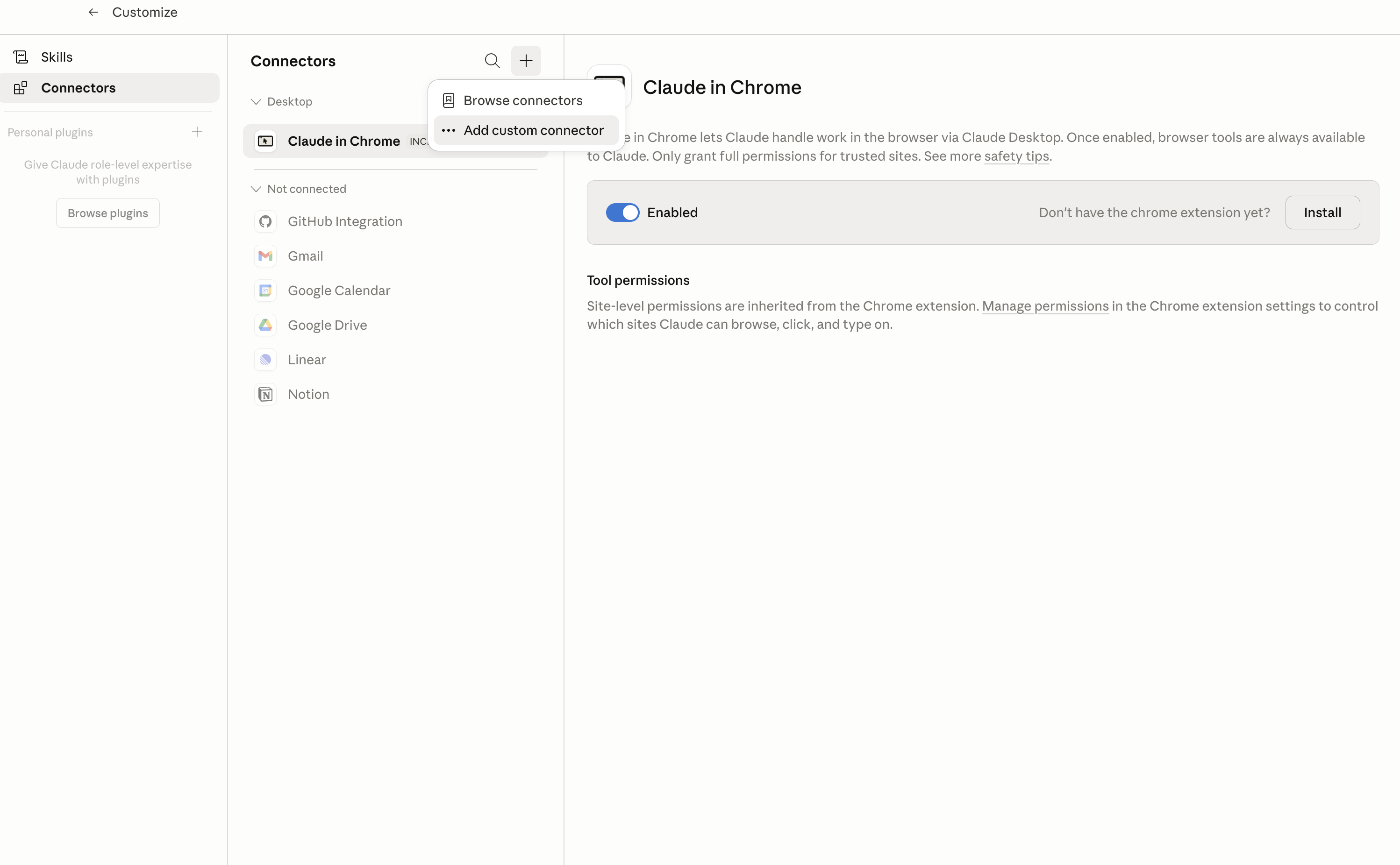
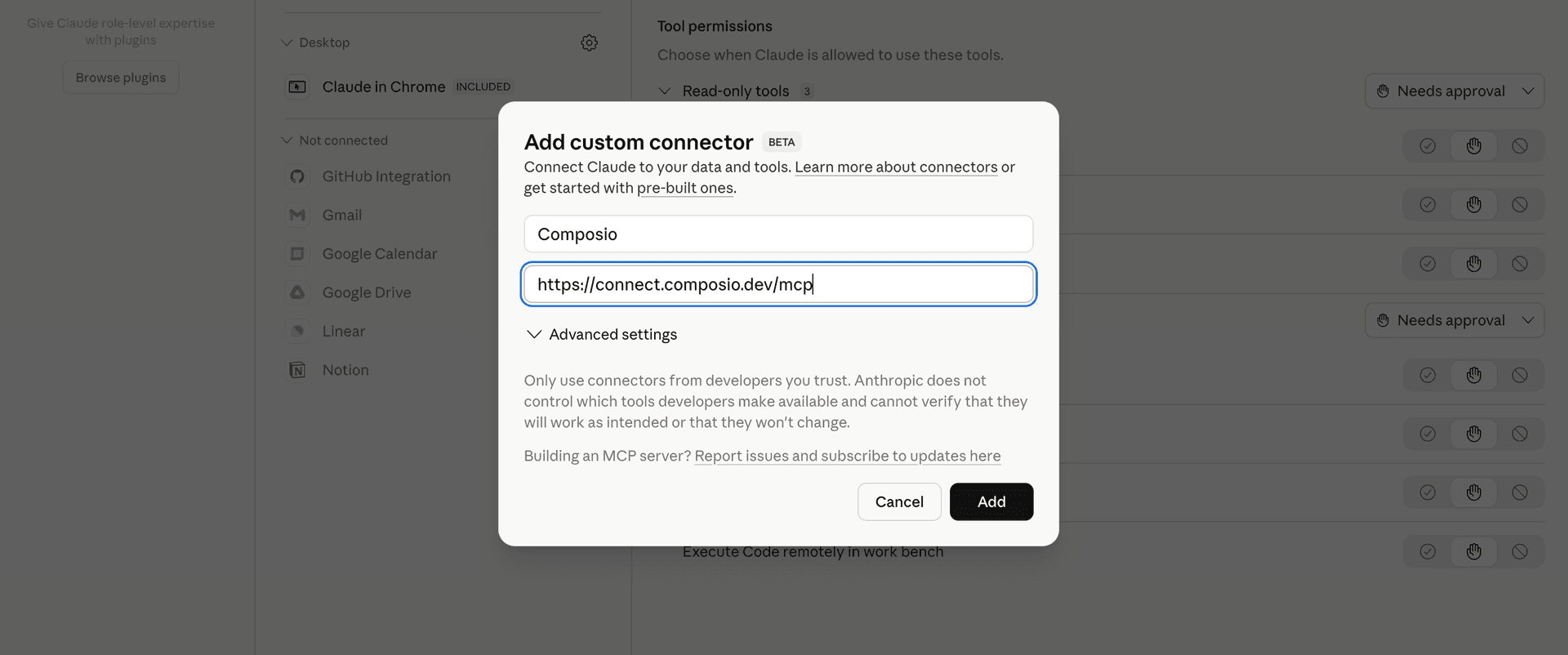
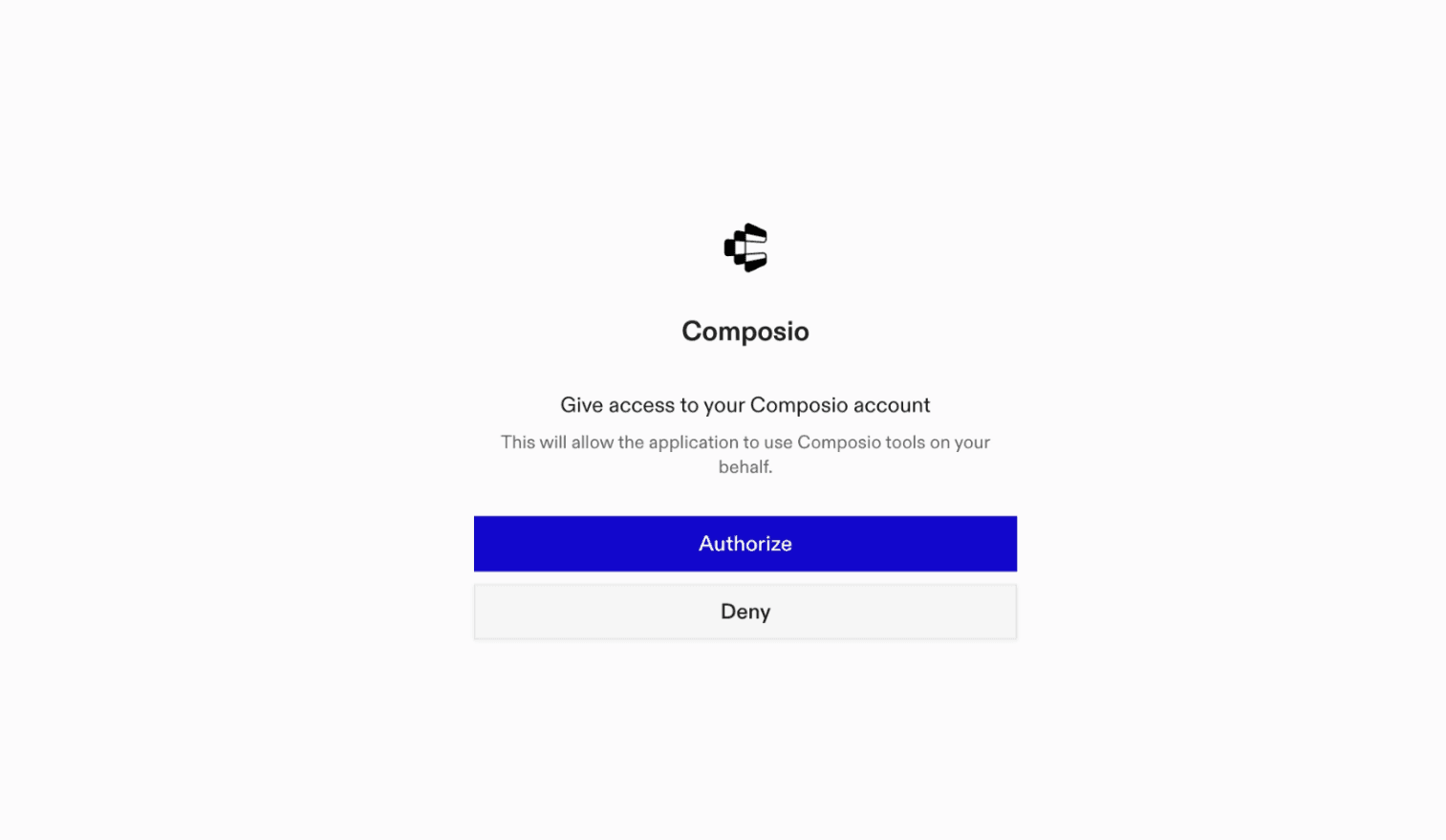
The FuseDesk MCP server is an implementation of the Model Context Protocol that connects your AI agent and assistants like Claude, Cursor, etc directly to your FuseDesk account. It provides structured and secure access to support cases, email conversations, contacts, departments, representatives, chats, and webhooks, so your agent can create and update cases, reply to customers, manage contacts, monitor chats, and review support activity on your behalf.
- Case creation and management: Have your agent open support cases, update their content or status, change tags, add internal notes, snooze follow-ups, and merge related cases.
- Customer replies and email review: Let the agent search support emails, read complete messages, and send replies to customers from the appropriate case.
- Contact and team coordination: Direct your agent to create, find, and update contacts, review departments, and check representative profiles when deciding where work belongs.
- Chat monitoring and handling: Instruct your agent to list active chats, read conversation histories, transfer or rename chats, mark them seen or unseen, and close completed conversations.
- Support oversight and automation review: Have your agent search cases by customer, assignment, status, text, or date, apply bulk changes, review case tags, and list configured webhook subscriptions.