How to connect Fireflies MCP with VS Code

How to connect Fireflies MCP with VS Code VS Code is the most popular code editor out there. With its recent AI makeover, it can do more than just help you write code. You can connect your applications to it and let LLMs automate many of the mundane tasks in your workflow. In this guide, I will explain how to connect Fireflies with VS Code in the most secure and robust way possible via Composio.

Fireflies logoFireflies
Api Key

Fireflies.ai is an AI-powered meeting assistant that records, transcribes, and analyzes voice conversations. It helps teams capture call notes automatically and search or summarize meetings effortlessly.

21 Tools1 Triggers

How to connect Fireflies MCP with VS Code

VS Code is the most popular code editor out there. With its recent AI makeover, it can do more than just help you write code. You can connect your applications to it and let LLMs automate many of the mundane tasks in your workflow.

In this guide, I will explain how to connect Fireflies with VS Code in the most secure and robust way possible via Composio.

Also integrate Fireflies with

Why use Composio?

Composio provides:

  • Access to 1,000+ managed apps from a single MCP endpoint. This makes it convenient for agents to run cross-app workflows.
  • Programmatic tool calling. Allows LLMs to write its code in a remote workbench to handle complex tool chaining. Reduces to-and-fro with LLMs for frequent tool calling.
  • Large tool response handling outside the LLM context. This minimizes context bloat from large tool responses.
  • Dynamic just-in-time access to thousands of tools across hundreds of apps. Composio loads the tools your agent needs, so LLMs are not overwhelmed by tools they do not need.

Integrate Fireflies MCP with VS Code

1. Install with one click

Click the button below to add Composio to VS Code. You will be prompted to authorize. This requires VS Code 1.99+ with GitHub Copilot.

+Install in VS Code

2. Or add manually

Open or create .vscode/mcp.json in your project root and add the following configuration:

bash
{
  "servers": {
    "composio": {
      "type": "http",
      "url": "https://connect.composio.dev/mcp"
    }
  }
}

3. Authorize

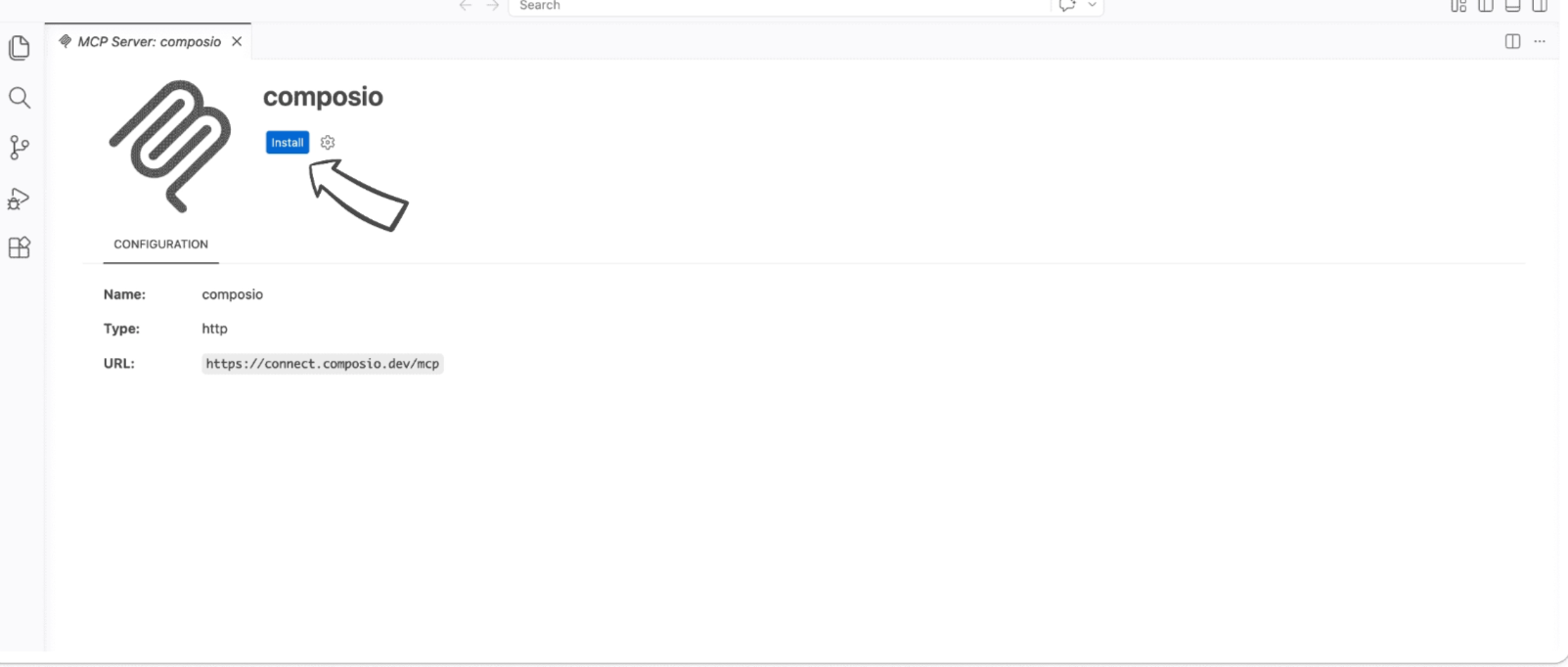
Click the install button to authorize VS Code to connect to Composio. VS Code will detect OAuth and prompt you to sign in.

VS Code MCP server install screen for Composio

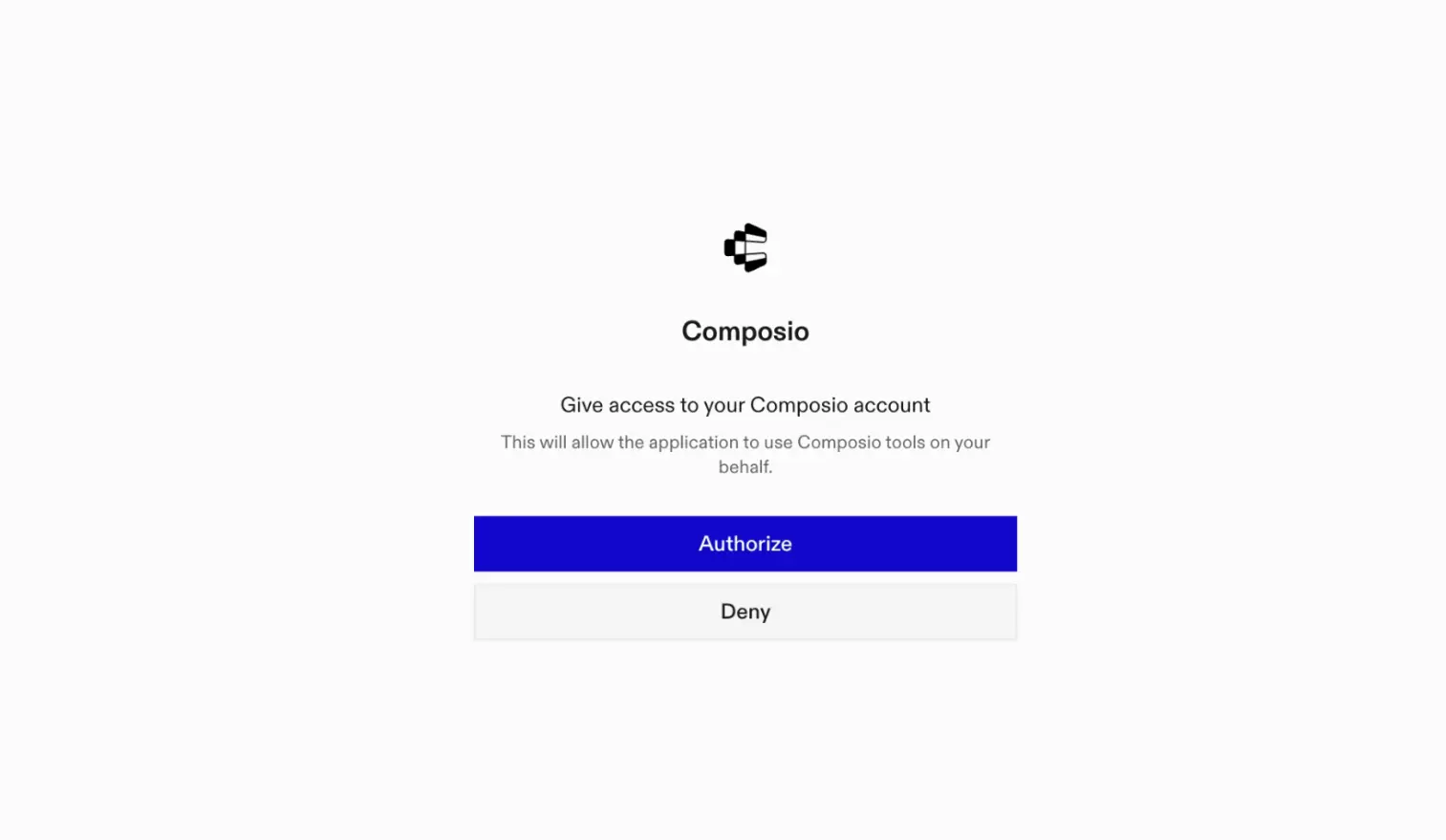
A browser window will open to authorize.

Composio authorization browser window

4. Authenticate Fireflies and start working

Back in VS Code chat, ask the agent to connect to Fireflies or give it any Fireflies-related task.

For example, ask it to:

  • "Transcribe this uploaded meeting audio file"
  • "Summarize your last five recorded calls"
  • "List all transcripts involving the marketing team"

It will prompt you to authenticate and authorize access to Fireflies.

That is it. Composio tools are now available in VS Code, and your Fireflies account is ready to use.

Way Forward

Now that Fireflies is connected, extend your setup by connecting the other apps you already use every day, so your agent can run true cross-app workflows end to end.

  • Connect Calendar to turn threads into scheduled meetings automatically.
  • Connect Slack or Teams to post summaries, approvals, and alerts where your team works.
  • Connect Notion, Linear, Jira, or Asana to convert requests into tickets, tasks, and docs.
  • Connect Drive, Dropbox, or OneDrive to fetch, file, and share attachments without manual steps.
  • Connect HubSpot or Salesforce to log customer context, update records, and draft follow-ups.

Start with one workflow you do repeatedly, then keep adding apps as you find new handoffs. With everything behind a single MCP endpoint, your agent can coordinate multiple tools safely and reliably in one conversation.

TOOLS & TRIGGERS

Supported Tools and Triggers

Every Fireflies action and event your agent gets out of the box.

Add to Live Meeting

The AddToLive Action allows you to add the Fireflies.

Continue AskFred Thread

Tool to continue an existing AskFred conversation thread with follow-up questions.

Create AskFred Thread

Tool to start a new AskFred conversation thread with a question about meetings.

Create Bite

Tool to create a bite (short video or audio clip) from a transcript segment.

Delete Transcript by ID

Permanently delete a transcript from the Fireflies account by its unique ID.

Fetch AI App Outputs

Tool to fetch AI App outputs for specific apps or transcripts.

Get AskFred Thread

Tool to get a specific AskFred conversation thread with full history.

Get AskFred Threads

Tool to retrieve a summary of all AskFred conversation threads for the current user.

Get Bite by ID

Fetches details for a specific bite by ID.

Get Transcripts

Fetches a list of bites (highlights) against input arguments.

Get Transcript by ID

Fetches details for a specific Fireflies transcript ID.

Get Transcripts

Fetches a list of transcripts against input filters.

Get User by ID

The GetUser Action is designed to fetch details associated with a specific user id.

Get User Groups

Tool to fetch a list of all user groups within the team with information about user groups including their members.

Get Users

Fetches a list of all users within the team, including their full email addresses.

Execute GraphQL Query

Execute an authenticated, read-only Fireflies GraphQL operation (query) and return the full raw GraphQL response (data+errors) for reliable fallback and debugging.

Set User Role

Tool to update a user's role within a team.

Update Meeting Channel

Tool to batch update channel assignments for 1-5 meeting transcripts.

Update Meeting Privacy

Tool to update the privacy setting of a meeting transcript.

Update Meeting Title

Tool to update the title of a meeting transcript.

Upload Audio

The UploadAudio Action allows you to upload audio files to Fireflies.

FAQ

Frequently asked questions

With a standalone Fireflies MCP server, the agents and LLMs can only access a fixed set of Fireflies tools tied to that server. However, with the Composio Tool Router, agents can dynamically load tools from Fireflies and many other apps based on the task at hand, all through a single MCP endpoint.

Yes, you can. VS Code fully supports MCP integration. You get structured tool calling, message history handling, and model orchestration while Tool Router takes care of discovering and serving the right Fireflies tools.

Yes, absolutely. You can configure which Fireflies scopes and actions are allowed when connecting your account to Composio. You can also bring your own OAuth credentials or API configuration so you keep full control over what the agent can do.

All sensitive data such as tokens, keys, and configuration is fully encrypted at rest and in transit. Composio is SOC 2 Type 2 compliant and follows strict security practices so your Fireflies data and credentials are handled as safely as possible.

Start with Fireflies.It takes 30 seconds.

Managed auth, hosted MCP servers, and every Fireflies tool your agent needs.Free to start.

Start building